
3 Shopee Ad (GMV MAX) Mistakes New Sellers Must Avoid

Below is a knowledge-based breakdown of three common and costly Shopee Ads mistakes, along with best-practice strategies for new sellers who want to scale GMV efficiently without burning budget.
1. Constantly Changing GMV Max Settings Too Frequently
A major mistake among beginners is adjusting GMV Max parameters—especially the target ROAS—far too frequently.
GMV Max requires 3–5 days to stabilize after each change. During this time, the system collects conversion signals, predicts user preferences, and recalibrates bidding strategies. When sellers modify their ROAS daily (or multiple times a day), the system is forced into repeated relearning cycles, resulting in:
- Unstable impressions
- High but inefficient ad spending
- Inconsistent performance
- Slower GMV growth
Correct approach:
Set the target ROAS → allow 3–5 days of data accumulation → then evaluate.
GMV Max works best when sellers give it time to learn.

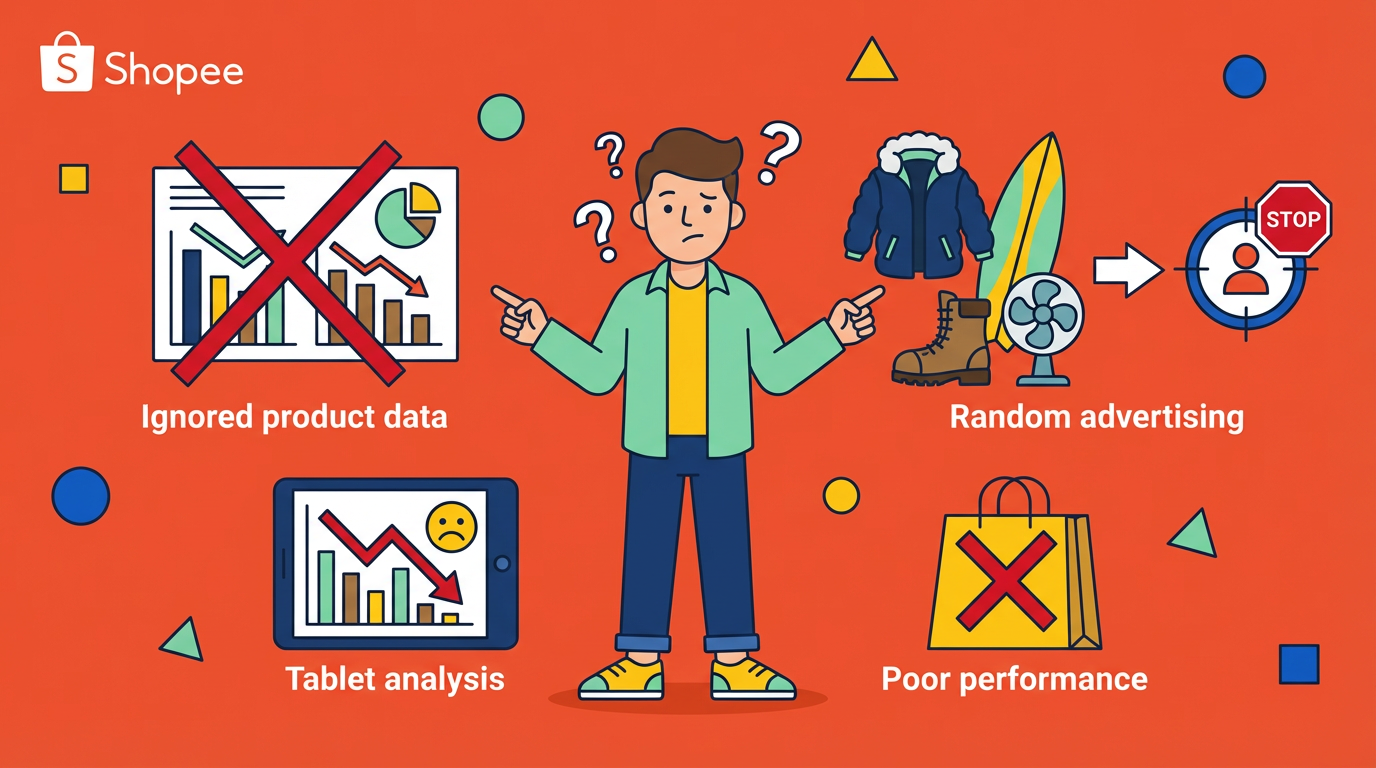
2. Ignoring Product Data and Randomly Choosing Products to Advertise
Running ads without evaluating product data is another major issue. Before selecting a product to promote, sellers should look at objective performance metrics.
How to choose the right products for ads
1) Prioritize products with strong organic signals
- CTR ≥ 5%
- Add-to-cart rate ≥ 11%
Products that naturally attract interest have a higher chance of converting with ads.
2) Consider low-price products if you need fast data
Low-priced items can quickly generate testing data.
But if profitability matters, prioritize high-margin products instead.
3) Check competitor count before launching ads
Search the exact product on Shopee.
If competition is extremely high:
- Impressions will be limited
- CPC will spike
- Ads may never break even
Select products where the competitive landscape is manageable.
3. Running Ads Without Optimizing Product Information
Many sellers rush into ads without ensuring their product listing is optimized. But Shopee’s algorithm heavily relies on listing information for traffic matching.
Before running ads, optimize the following:
1) Main Image, Title, Description, SKU Structure
Rebuild all components based on clear selling points.
This helps Shopee correctly label the product and deliver ads to the right audience.
2) Calculate the ROAS break-even point
Break-even ROAS = 1 ÷ Net Profit Margin
Your ad's target ROAS must be greater than or equal to this value.
3) Setting target ROAS during the first few days
In the initial 2–3 days, use a target ROAS slightly above the break-even ROAS.
This ensures:
- The ad can spend
- The product can generate orders
- The system receives enough data to optimize

How to Configure GMV Max Effectively
1. Choose a manageable budget
When the product’s conversion rate is unknown, start with Shopee’s minimum recommended daily budget.
Avoid higher budgets during testing—combined with low ROAS, they can cause rapid loss before useful data is collected.
2. Understand bidding logic
GMV Max automatically adjusts:
- Bid levels
- Placement distribution
- Audience expansion
- Cross-page exposure
The only parameter sellers directly control is target ROAS.
3. Never adjust ROAS too frequently
Only increase target ROAS after 3–5 days of stable, above-target performance.
Example
If the target ROAS is set to 8:
- On Day 1, actual ROAS reaches 12 → do not adjust
- After 4–5 days, actual ROAS stabilizes around 10 → increase to 8.5, then observe for 3–5 more days
Incremental adjustments keep the system stable.

ROAS Ladder Strategy (Translated From Your Table)
| Strategy | Explanation | Purpose |
|---|---|---|
| ROAS Ladder Testing | New campaigns can run with automatic bidding for 3–7 days, then switch to custom ROAS once stabilization occurs. Each ROAS adjustment should run for 3 days (and remain within planned budget). | Helps find the ideal ROAS range and balance volume vs. cost. |
| Budget Phasing | Avoid large budget increases during the learning phase; scale slowly after performance stabilizes. | Prevents delivery shock and minimizes wasted spend. |
| Cross-Account Diversification | Test ads on mature stores first; replicate the successful setup to other stores. | Reduces testing cost. If a product performs well on one store, it usually performs well on others with demand. |
Daily Monitoring & Optimization (Must-Check Metrics)
1. Impressions
There is no fixed benchmark, but zero impressions for an entire day is abnormal.
This indicates targeting, bidding, or listing misalignment.
2. Click-Through Rate (CTR)
- Minimum acceptable CTR: 3%
- The higher, the better
Low CTR indicates problems with the main image, price, or competition.
3. Click Volume
Using an estimated 3% conversion rate:
If a product receives 50+ clicks with no orders, the product quality or listing attractiveness is likely too low.
4. Add-to-Cart Rate
- Minimum benchmark: 11%
A low ATC rate means your product page fails to convince buyers.
5. ROAS
If ROAS meets or exceeds your target, you can gradually increase the ROAS setting.
But if ROAS remains poor over time, stop forcing the product—switch to another link instead of draining your budget.