
Best Shopee Image Downloader for Sellers
If you sell on Shopee, chances are you’ve asked this question at least once:
How do I download product images or videos from Shopee without losing quality or wasting hours?
Whether you’re doing product research, optimizing listings, or benchmarking competitors, visuals matter. Product images and videos often contain critical information—angles, materials, usage scenarios, even hidden selling points that aren’t obvious from text alone.
This is where a Shopee image downloader becomes an essential tool rather than a “nice-to-have.”
In this article, we’ll break down:
- What a Shopee image downloader actually does
- Why serious sellers rely on it during product research
- Common mistakes sellers make when downloading images
- How tools like Shopdora help sellers work faster and safer
All insights are based on real-world seller workflows, not theory.

Why Shopee Sellers Need an Image Downloader
Shopee is a highly visual marketplace. Buyers make decisions in seconds, often based on:
- The main product image
- Lifestyle or usage photos
- Short product videos
For sellers, these visuals are also data.
During Shopee product research, images and videos help you understand:
- How competitors position similar products
- What visual styles convert better (studio vs lifestyle, clean vs information-heavy)
- Which features are emphasized repeatedly across top-selling listings
Trying to manually screenshot images or record videos usually leads to:
- Low-resolution files
- Missing frames or watermarks
- Inconsistent formats that aren’t reusable
That’s inefficient—and risky if you’re building listings at scale.
What Is a Shopee Image Downloader?
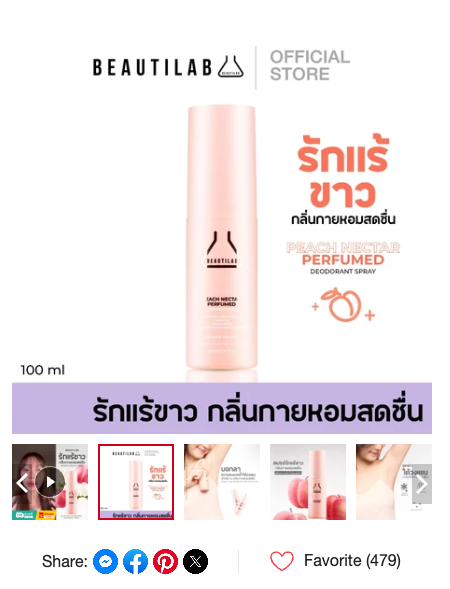
A Shopee image downloader is a tool that allows sellers to:
- Download product images in original resolution
- Save product videos directly, without screen recording
- Extract visual assets quickly from any Shopee listing
Used correctly, it supports:
- Faster product analysis
- Better listing optimization
- More accurate creative testing
The key is how the downloader works and how sellers use the assets.
Professional sellers don’t copy blindly. They analyze structure, composition, and messaging—then create original visuals based on validated patterns.
Where Most Sellers Go Wrong
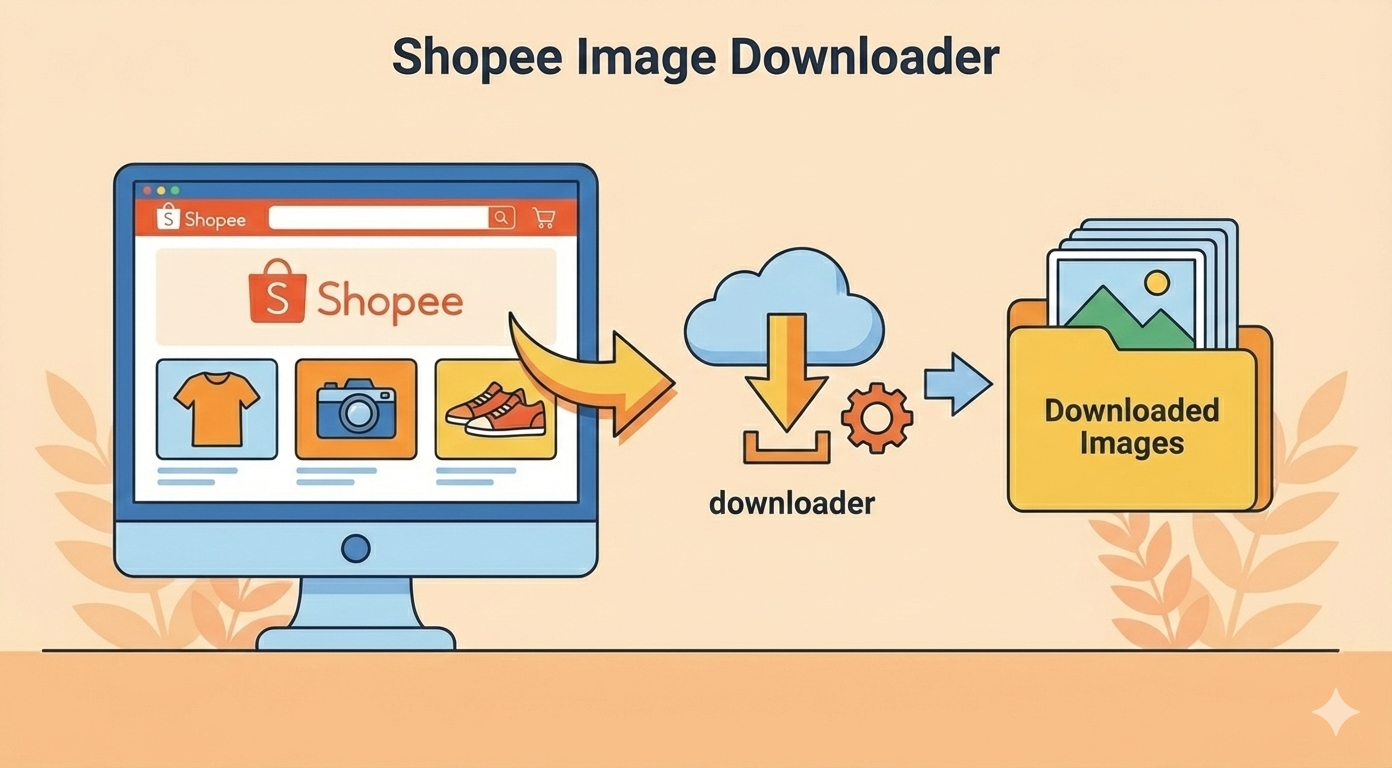
From hands-on experience working with Shopee sellers, these are the most common mistakes:
- Downloading low-quality images
Many browser plugins compress files, making them unusable for analysis or design reference. - Ignoring product videos
Videos often reveal conversion triggers—installation steps, real-world usage, or scale—that images don’t show. - Using visuals without understanding context
Copying visuals without understanding why they work leads to poor results and possible policy risks.
A proper Shopee image downloader should support analysis, not shortcuts.
How Shopdora Solves This Problem
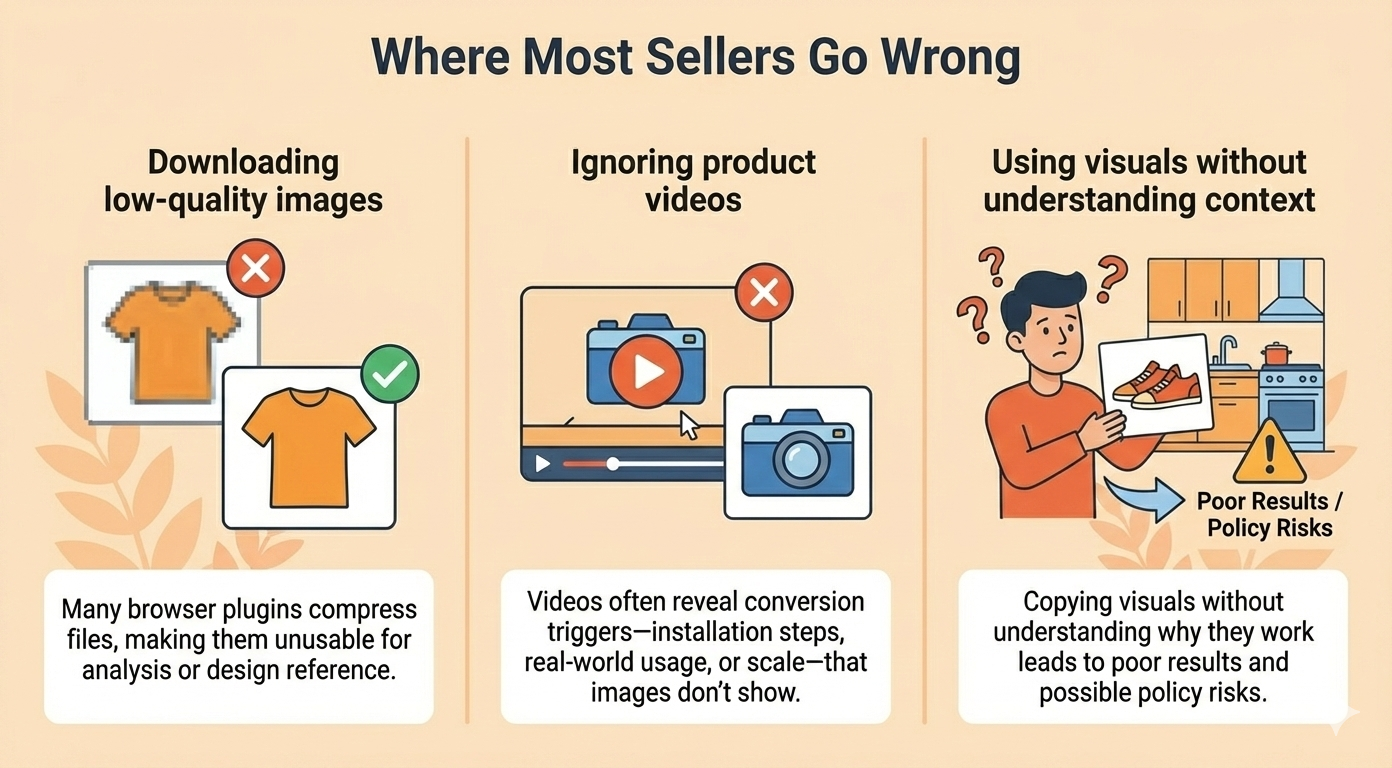
Shopdora is widely known for its data-driven approach to Shopee product research, and its Download Image/Video feature fits naturally into that workflow. You can download the Shopdora Google extension, then open it on the Shopee front page to see this feature directly.
With Shopdora, sellers can:
- Download Shopee product images in original quality
- Download product videos directly, without watermarks
- Extract visuals efficiently while researching competitors
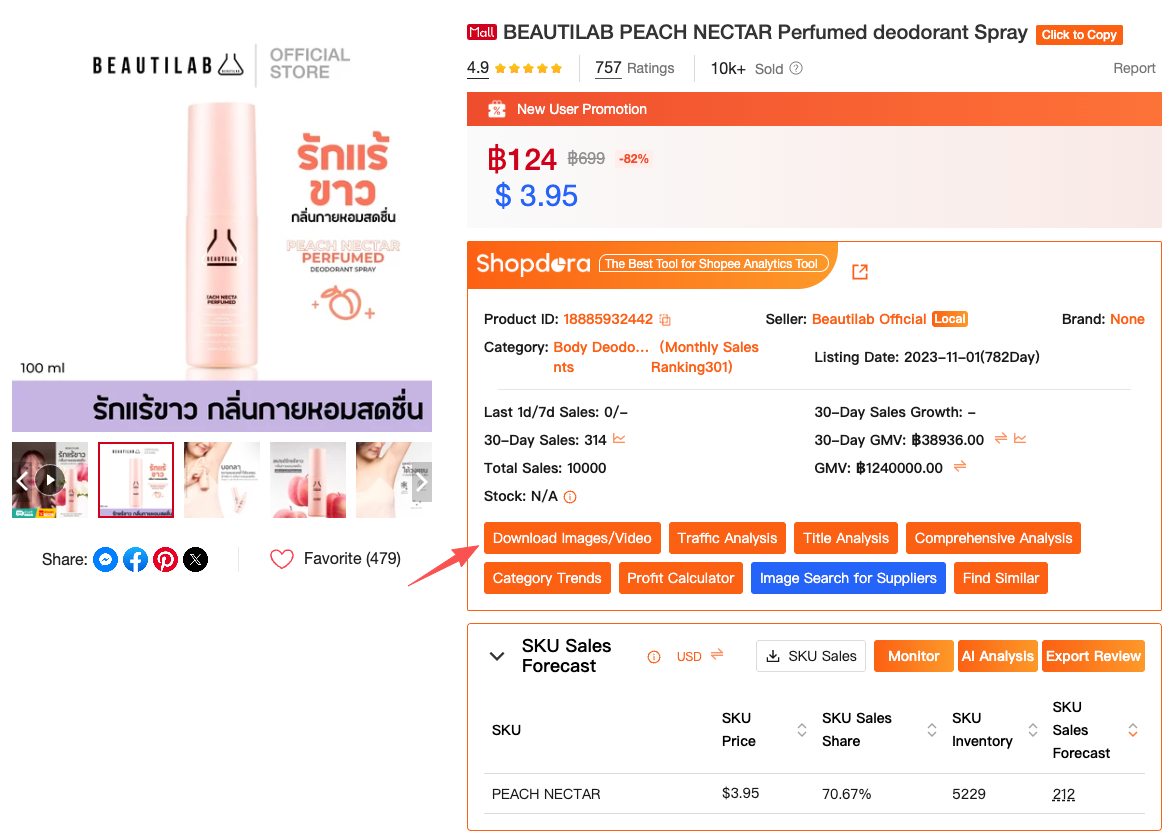
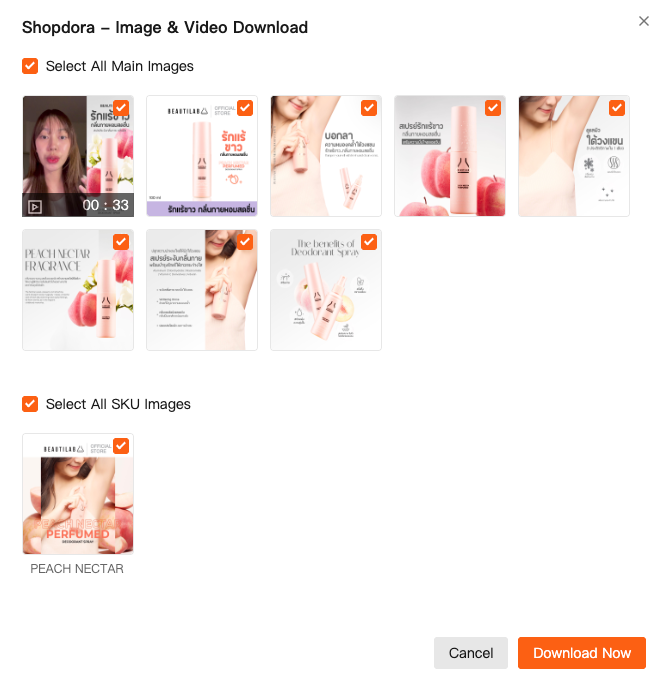
This is especially useful when combined with Shopdora’s big-data insights. Instead of guessing which products to study, sellers can:
- Identify promising products using data
- Analyze top-performing listings visually
- Build better, original creatives based on proven patterns
This workflow reduces trial-and-error and helps sellers move with confidence.
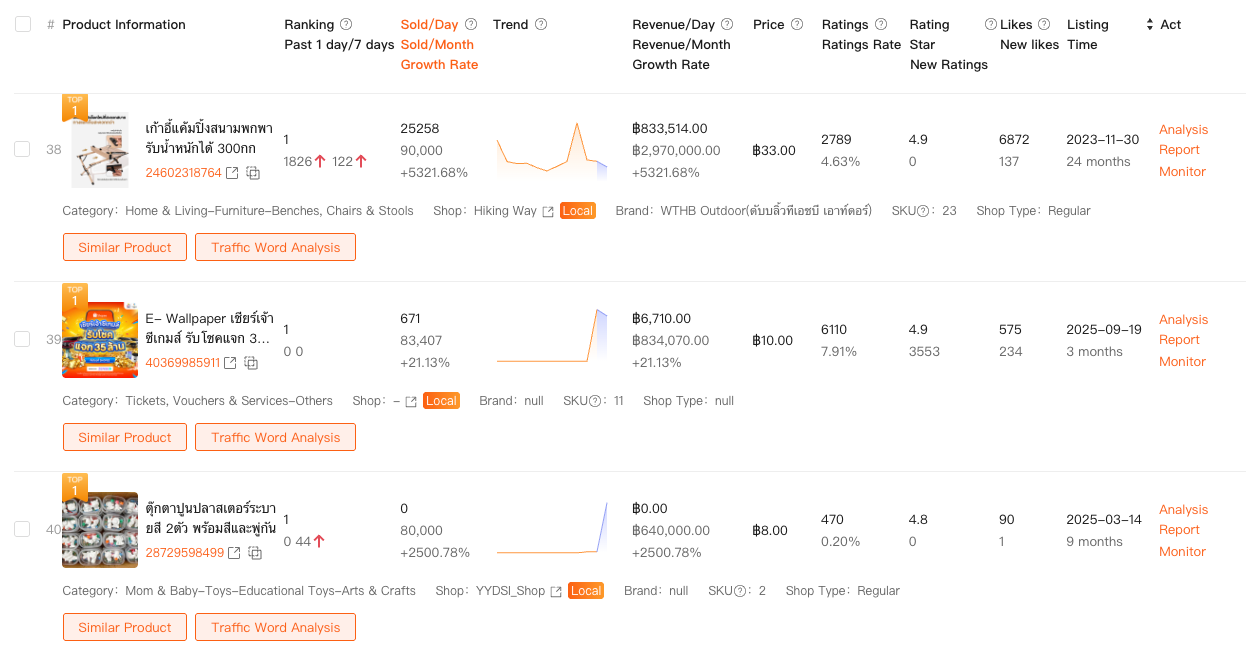
How Sellers Use Downloaded Images the Right Way
Based on real seller practices, downloaded images and videos are typically used for:
- Visual benchmarking
Comparing layouts, color schemes, and information density across top listings. - Creative inspiration
Identifying angles, props, or scenarios that resonate with buyers. - Listing audits
Spotting gaps in one’s own product images versus competitors. - Team communication
Sharing clear visual references with designers or suppliers.
The goal is never duplication—it’s informed creation.
Is Using a Shopee Image Downloader Safe?
From a trust and compliance perspective, sellers should always follow these principles:
- Use images for analysis and reference, not direct copying
- Create original product photos and videos
- Respect platform rules and intellectual property standards
Tools like Shopdora are designed to support research and optimization—not misuse. When used responsibly, they help sellers make better decisions while staying compliant.
Why This Matters for Long-Term Growth
Shopee competition is increasing, and success is no longer about who uploads faster—it’s about who understands the market better.
A reliable Shopee image downloader:
- Saves time
- Improves research quality
- Helps sellers build listings that convert
Combined with structured data and experience-driven judgment, it becomes part of a sustainable seller toolkit.
Final Thoughts
Shopee product research isn’t just about numbers. Visuals play a critical role in how products are perceived, understood, and sold.
A professional Shopee image downloader—especially one integrated into a data platform like Shopdora—helps sellers move from guesswork to clarity.
The sellers who grow long-term aren’t the ones copying the fastest.
They’re the ones who observe better, analyze deeper, and execute smarter.