
Shopee Video Downloader Meets Shopee Analytics Tools
Hi, I’m David.
I’ve been running my own Shopee store for over three years, completely solo. No media team. No data analyst. Just me, my laptop, and a lot of mistakes that cost time and money before they taught me what really matters.
For a long time, I thought I had two separate problems:
- My product videos weren’t converting well.
- My decisions about which videos to make were mostly based on guesswork.
It turned out these were actually the same problem.
Most Shopee sellers talk about videos as a creative task — lighting, editing, hooks in the first three seconds. But very few talk about videos as a data problem. That changed for me once I started using Shopdora, specifically its Download Image/Video feature together with its analytics tools.
This article isn’t about “how to download a Shopee video.” It’s about how I used a Shopee video downloader inside a real analytics workflow to improve listing performance without burning money on endless testing.
Why Shopee Videos Fail Before Creativity Even Matters
Before touching any tool, let’s be honest about the real situation.
Most Shopee sellers:
- Download competitor videos manually (or screen-record them)
- Re-edit based on intuition
- Upload and hope for the best
I did exactly the same.
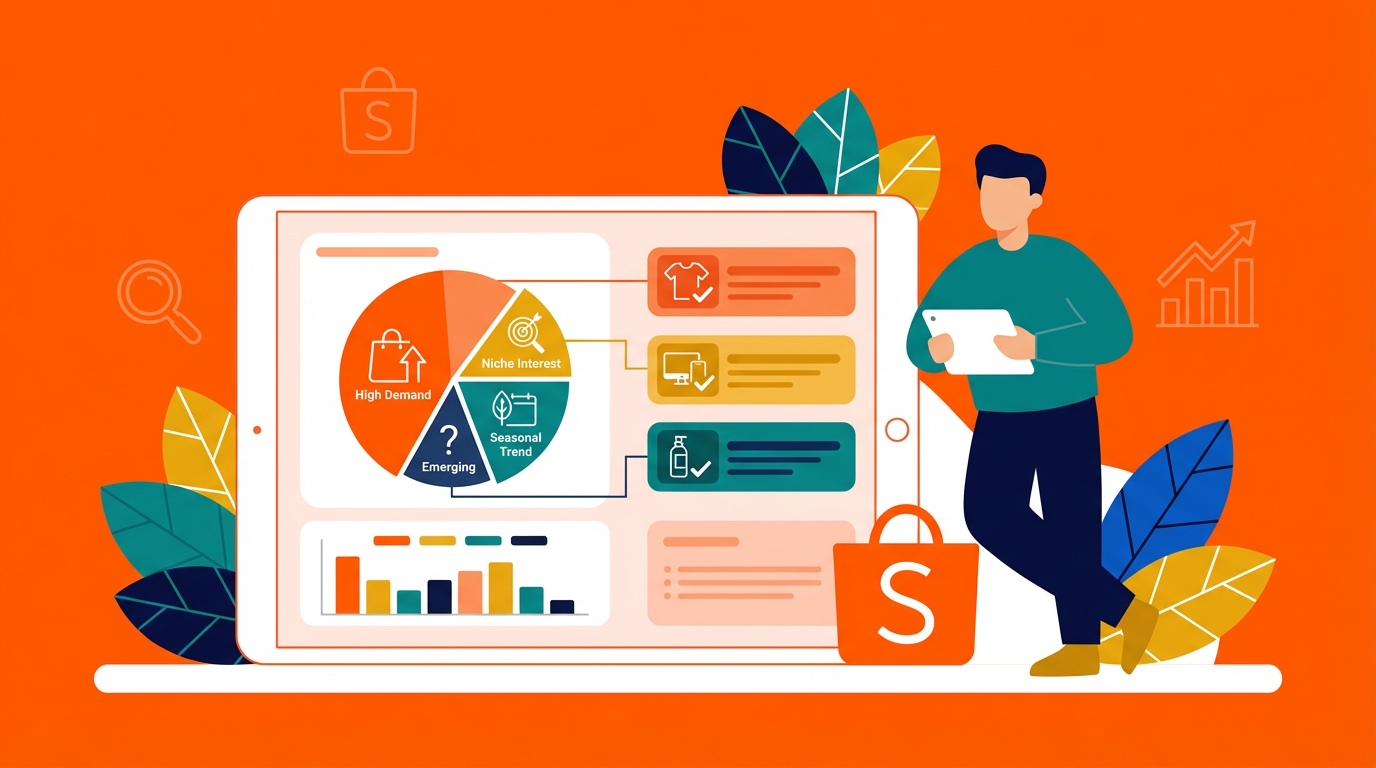
The problem isn’t effort. The problem is context. Without understanding which products deserve video investment and why certain videos work, downloading videos becomes blind copying.
That’s where Shopee analytics tools come in — and where Shopdora fits naturally into the process.
Downloading Shopee Videos the Right Way (and Why It Matters)
Let’s start with the most practical pain point: getting the video itself.
Shopdora provides a built-in Download Images/Video feature. This isn’t a random downloader. It’s designed specifically for Shopee sellers who need reference materials quickly and cleanly.
With this feature, I can:
- Download Shopee product videos directly
- Save them without unnecessary compression
- Use them for internal analysis, creative reference, or editing workflows
The key difference is where this happens.
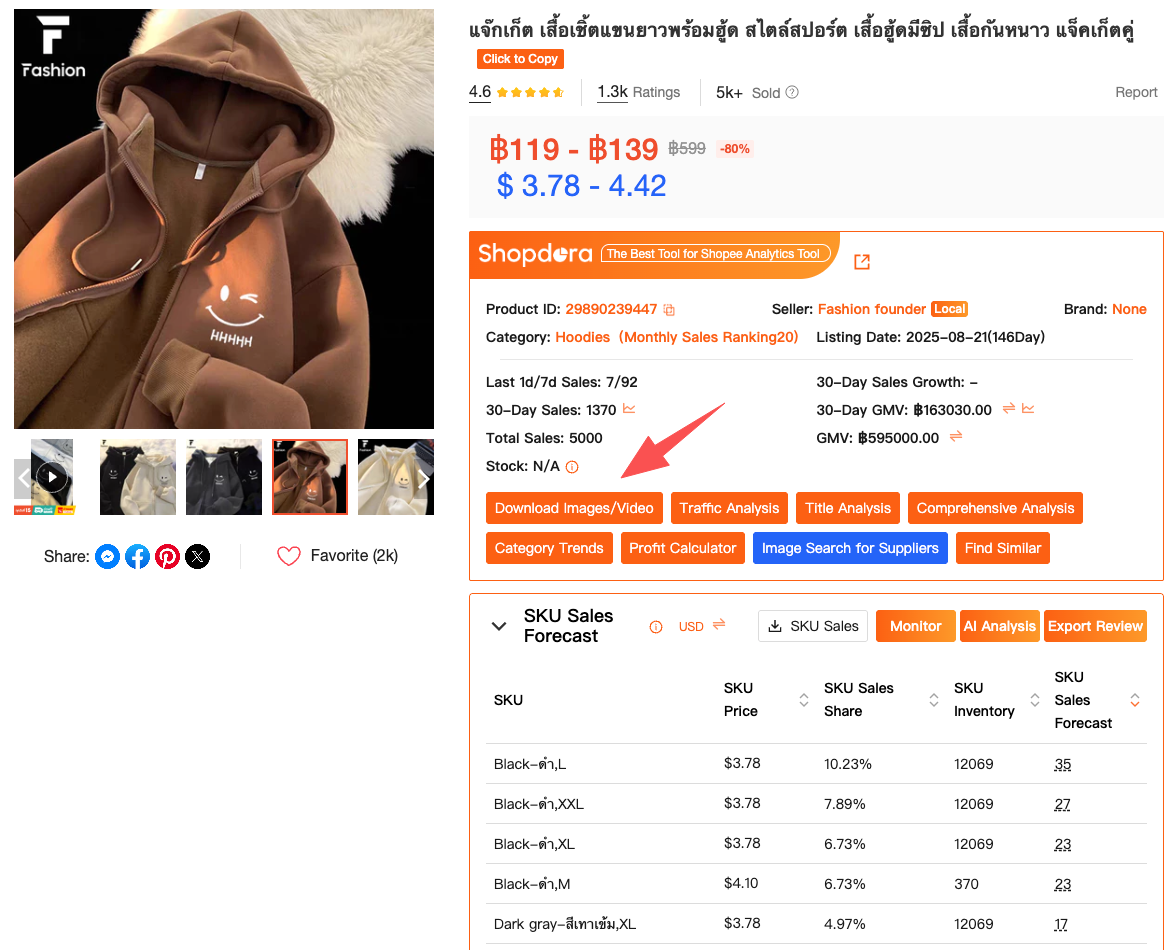
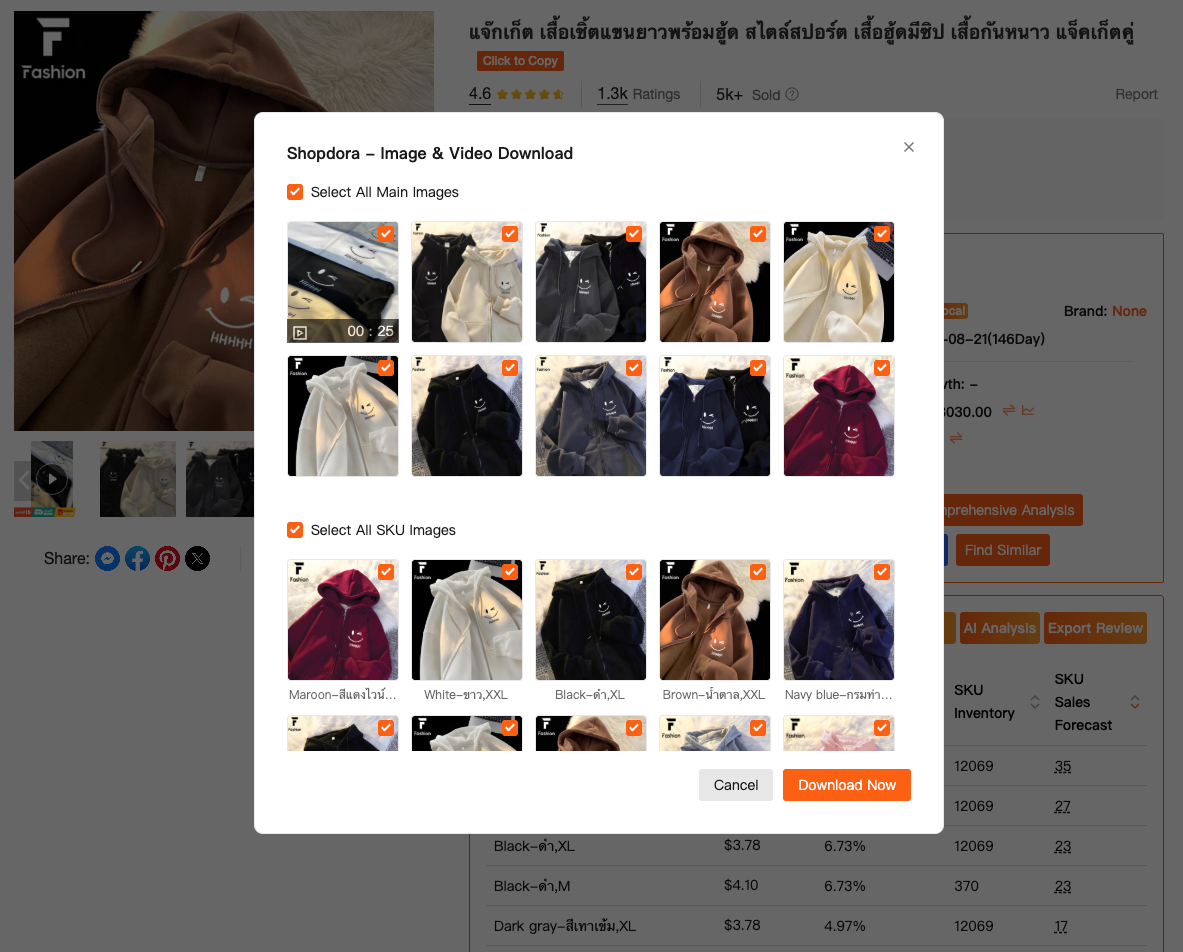
When I browse Shopee product pages using the Shopdora browser plugin (click to download), a download option appears directly on supported product listings. There’s no need to copy links into third-party tools or worry about broken formats.
But here’s the critical part: downloading videos alone doesn’t move the needle.
From Video Files to Video Decisions Using Analytics Tools
The real value appeared when I stopped treating videos as isolated assets and started pairing them with Shopee analytics tools inside Shopdora.
One example stands out clearly.
I downloaded a competitor’s video that looked average at best. No fancy transitions. No influencer face. Yet the product consistently outperformed mine. Instead of copying the video style blindly, I analyzed the product using Shopdora’s Comprehensive Analysis.
This feature gave me a structured view of:
- Sales trends over time
- Ranking changes
- Traffic patterns
- Performance stability
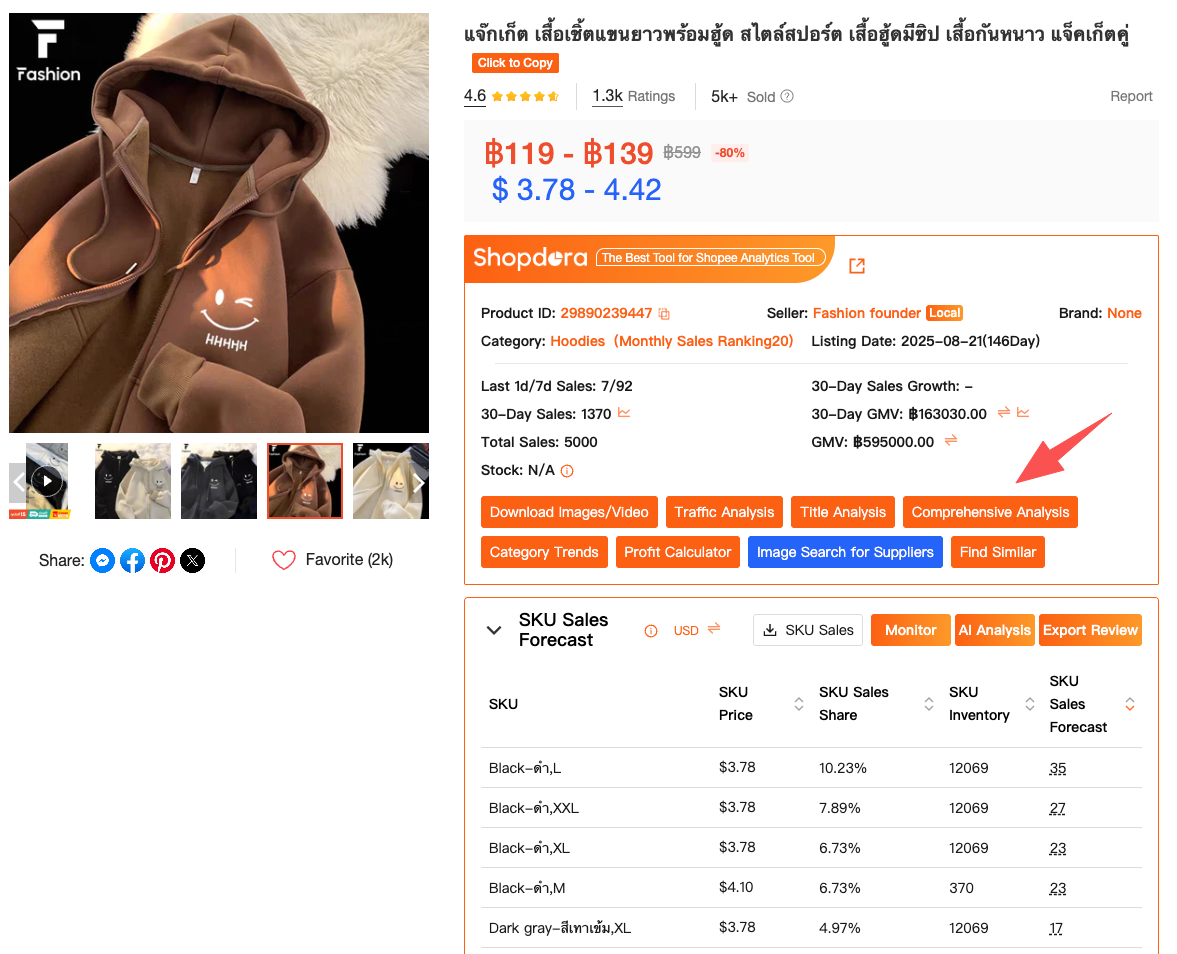
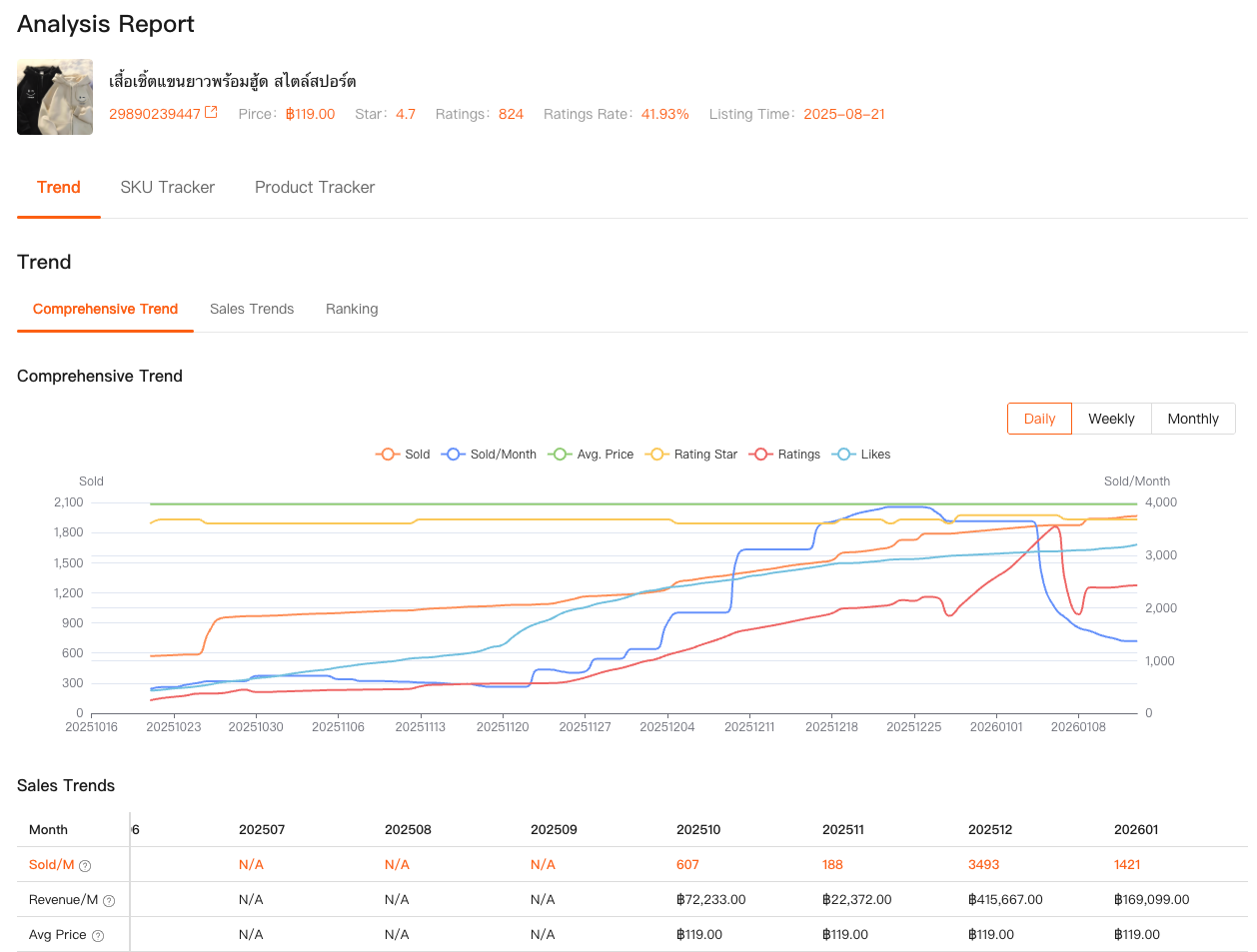
What I learned surprised me. The video itself wasn’t “better.” It matched the product’s lifecycle stage perfectly. The product was already ranking well organically, and the video reinforced conversion instead of trying to create demand.
That insight changed how I use video entirely.
How Analytics Tools Tell You Which Videos Are Worth Making
Shopee analytics tools often get misunderstood as “post-result dashboards.” In reality, Shopdora’s analytics features help you decide before you invest time.
Using Comprehensive Analysis, I now check:
- Whether a product’s traffic is growing or plateauing
- Whether rankings are stable or volatile
- Whether sales spikes come from ads or organic movement
If a product shows unstable rankings and heavy ad dependency, I know a new video probably won’t fix the core issue. But if traffic is growing organically and conversion lags, that’s a clear signal: this product deserves a better video.
This approach saved me from creating dozens of useless videos.
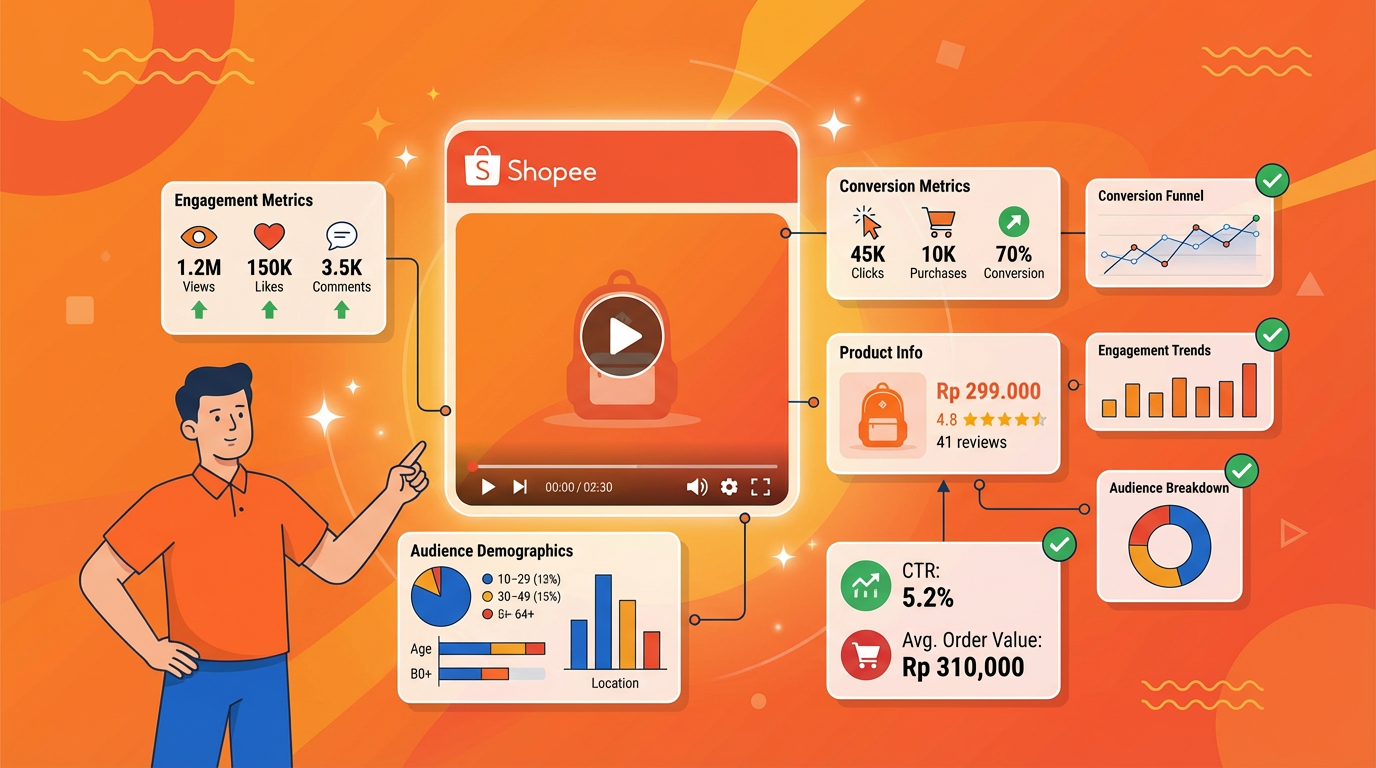
Combining Video Downloads with SKU-Level Insights
Another turning point came from SKU Insight.
Many Shopee sellers forget that videos don’t sell products — SKUs do. A single listing can have multiple SKUs with very different performance patterns.
Using SKU Insight, I can analyze:
- Sales distribution across SKUs
- Price sensitivity at SKU level
- Which variations actually drive volume
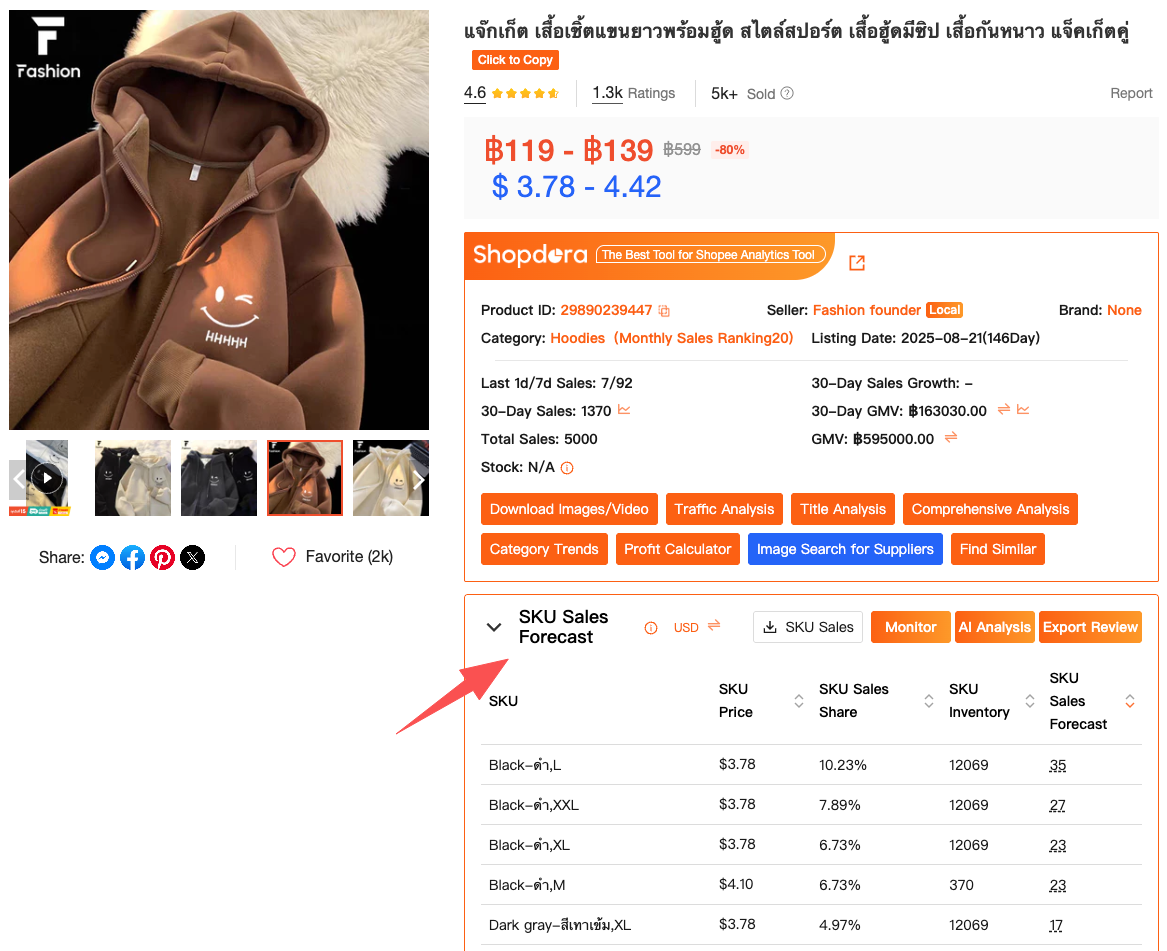
I once downloaded a competitor’s video and assumed it promoted their “main” SKU. SKU Insight showed something else: the video was optimized around the second-best SKU — the one with higher margins and better repeat purchases.
That changed how I script my own videos. I stopped showcasing everything and started focusing on the SKU that actually mattered.
Where Shopdora Fits into a Real Seller Workflow
It’s important to be clear: Shopdora isn’t a replacement for Shopee Seller Center.
Seller Center tells you what happens inside your store.
Shopdora shows you what happens in the market.
Here’s how my current workflow looks:
- Use Shopdora analytics tools to identify products worth optimizing
- Use Download Image/Video to collect competitor video references
- Analyze SKU performance before editing any content
- Upload videos with a clear conversion goal, not just “better visuals”
This isn’t theory. It’s how I reduced wasted creative work while improving listing performance.

How to Start Without Overloading Yourself
If you’re new to Shopdora, don’t try to use everything at once.
Start with just two steps:
- Install the Shopdora browser plugin from the official Shopdora site so you can access video downloads and product analysis directly on Shopee pages.
- Use Comprehensive Analysis on any product before you decide to remake or replace its video.
That alone already puts you ahead of most sellers who rely purely on intuition.

Why This Matters More as Shopee Gets More Competitive
Shopee today is not the Shopee of three years ago.
More sellers. More ads. More similar products.
In this environment, copying videos without data is expensive. Creating videos without analytics is risky. And relying on Seller Center alone limits your view to your own bubble.
What helped me wasn’t just a Shopee video downloader. It was pairing that capability with real Shopee analytics tools that explain why something works.
Shopdora gave me that connection.
Final Thoughts from a Solo Seller
I still shoot imperfect videos. I still test ideas that fail. But I fail less blindly now.
Using Shopdora’s Download Image/Video together with its analytics tools didn’t make me more creative overnight. It made me more intentional.
And in e-commerce, intention beats guesswork every time.
If you’re serious about improving Shopee performance, start treating videos as part of your data strategy — not just your creative process.