
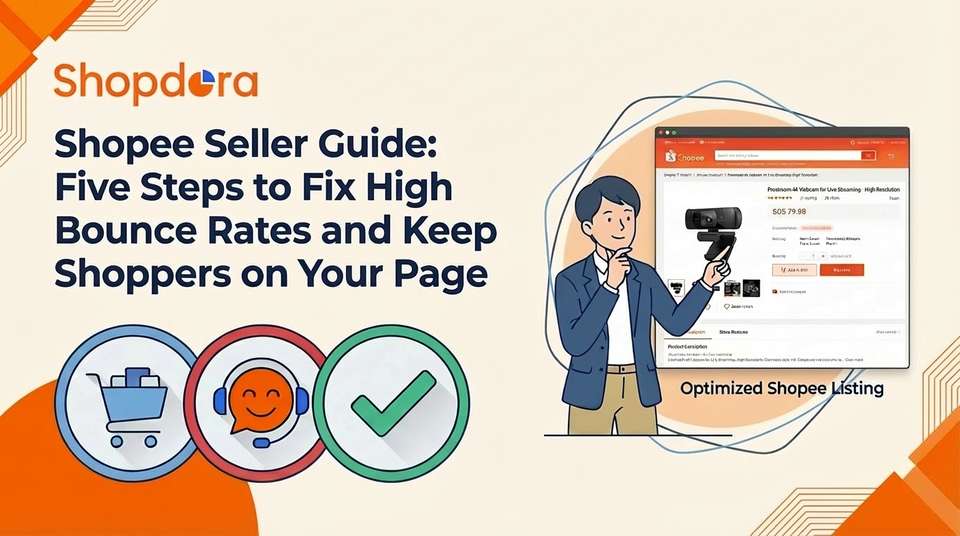
Shopee Seller Guide: Five Steps to Fix High Bounce Rates and Keep Shoppers on Your Page
For most Shopee sellers—especially beginners—the term “bounce rate” is familiar, yet often misunderstood or completely ignored. Even when sellers notice it, they rarely know how to lower it or how much it affects their overall conversion.
A persistently high bounce rate almost always leads to weak sales. And in many cases, it’s not because your product is bad—it’s because you haven’t captured the key elements that keep shoppers from leaving.
Before fixing it, let’s understand why shoppers leave your page within seconds.

Why Do Shoppers Click In and Leave Immediately?
Most bounce-rate issues come from just three root causes:
1. Your main image looks the same as everyone else’s
If your cover photo blends in with competitors, buyers simply scroll past because nothing stands out.
2. Your product detail page is overwhelming or unclear
When important information is messy, lost in long paragraphs, or hard to locate, shoppers leave rather than “work for it.”
3. They don’t feel the product is worth the price
If there’s no price advantage and the value isn’t clearly shown, shoppers bounce instantly.
The good news?
All three problems can be fixed with very simple, beginner-friendly adjustments.
Below are five steps every Shopee seller can use to reduce bounce rate and increase both time-on-page and conversions.
Five Steps to Reduce Bounce Rate for Shopee Sellers
1. Improve Your Main Image: Capture Attention in 3 Seconds
You don’t need complex design skills to make a strong main image.
Just follow three principles:
Use real-life usage scenarios
If you’re selling a water bottle, don’t just show the bottle floating on a white background.
Show someone using it in an office, at the gym, or during a commute.
Scenario images instantly help buyers picture themselves using the product.
Add one simple, clear selling point
Examples:
- “Keeps warm for 6 hours”
- “Anti-fall protection”
Keep the text minimal. One glance should be enough.
Make sure the image is clean and crystal clear
Buyers leave immediately if your image is dark, blurry, or low-quality.

2. Fix Your Product Detail Page: Don’t Make Shoppers Work
A good detail page doesn’t overload buyers—it guides them.
Break information into sections, such as:
- Specifications
- Key features
- Size chart
- Material & quality
- Shipping & return policies
Dense, unformatted text makes buyers quit immediately.
Clear structure keeps them reading.
3. Price Strategically: Make Buyers Feel It’s Worth It
Compare with competitors
You don’t need to be the lowest—but you can’t be significantly higher without explanation.
If your price is higher, explain why
If your backpack is more expensive, highlight the value:
- Waterproof materials
- Reinforced stitching
- Better durability
Buyers don’t mind paying more if they understand the reason.
4. Attract the Right Traffic: Avoid “Just Browsing” Shoppers
High bounce rate often comes from unqualified traffic—people who were never looking for your product in the first place.
Use precise keywords, not generic ones
Instead of:
- “Notebook”
Use:
- “Student revision notebook”
- “Exam mistake correction notebook”
The more specific your keywords, the more relevant your audience.
5. Strengthen Your Service: Build Trust Instantly
Make your store policies clear and honest
State the shipping timeline, return policy, and delivery expectations directly in the detail page.
Respond quickly
Aim to reply within 1 hour. Slow responses significantly increase page exits.
Manage your reviews
Highlight positive reviews and handle negative ones fast.
A strong review section reassures hesitant shoppers immediately.
For Beginners: Three Practical Tips
1. Fix issues one at a time
Start with the main image → then detail page → then pricing.
Changing too much at once makes it hard to identify what worked.
2. Track your data
Check bounce rate and search click-through in Seller Center.
If they drop, you’re on the right track.
3. Test continuously
If the main image isn’t improving performance, switch to a scenario photo or another angle.
Conclusion
Lowering bounce rate is not complicated.
In fact, it mainly comes down to thinking from the shopper’s perspective:
- Can they clearly see what the product is?
- Can they easily find the information they need?
- Do they feel safe and confident buying from you?
When buyers can see clearly, compare easily, and feel secure, they naturally stay longer—and staying longer is the first step toward converting.
Optimizing bounce rate isn’t a one-day task, but with these five steps, even new Shopee sellers can dramatically improve store engagement and boost orders.